No single reference
Components, icons and front-end libraries were spread across projects, with no place to check what already existed.

The design system behind EDX’s ServiceNow projects, with shared libraries, icons, components and tutorials, plus a tool that generates the user stories teams work from during development.
The challenge
EDX delivers many ServiceNow portals. Without one shared source, teams rebuilt buttons, inputs and alerts, and wrote component specs from scratch each time.
Components, icons and front-end libraries were spread across projects, with no place to check what already existed.
Developers needed the code behind each component, not only a picture of it in Figma.
Each component needed a user story before development, and writing them by hand slowed teams down.
The process
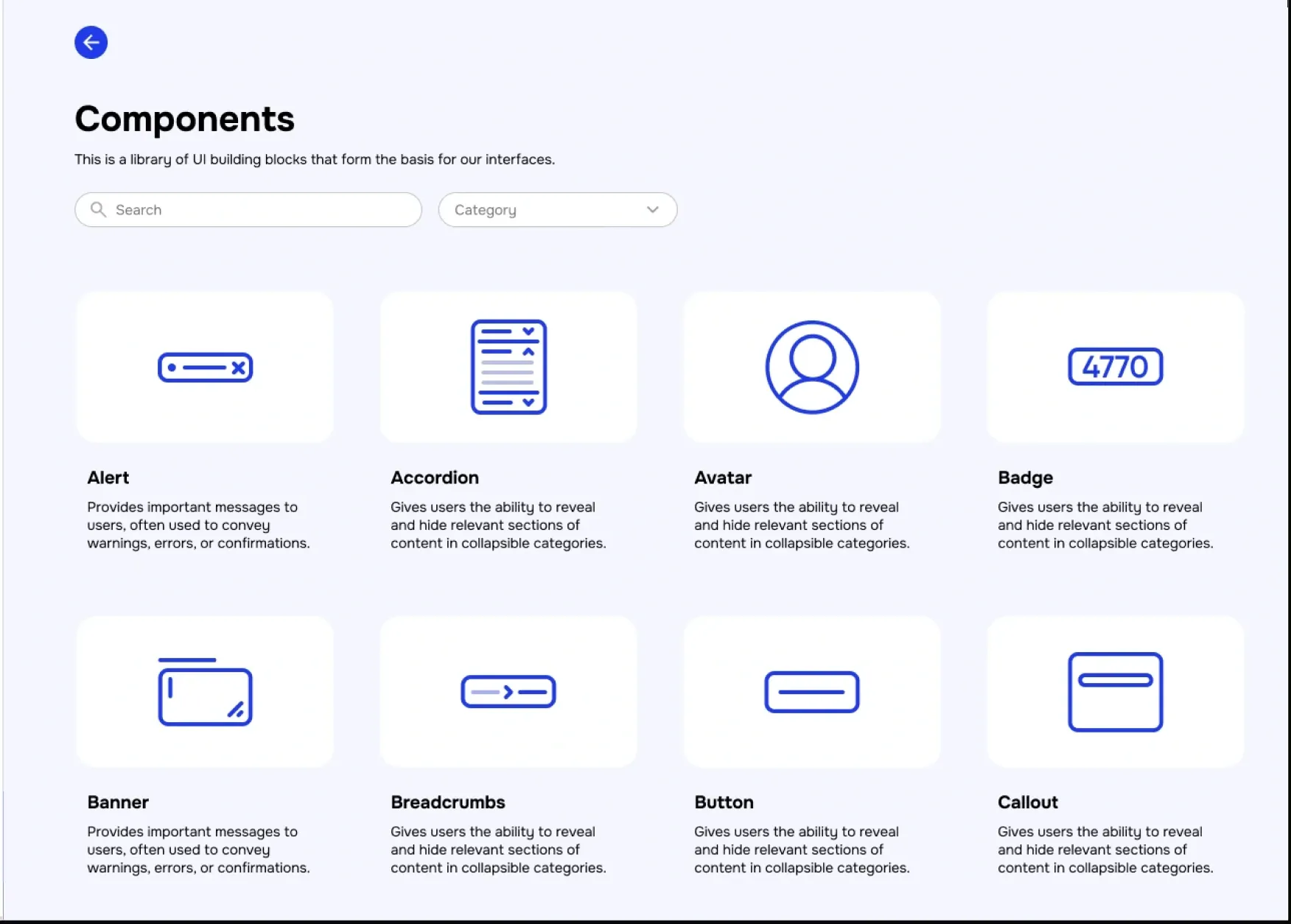
Listed the core components teams use, from alerts and accordions to tabs, toggles and text areas.
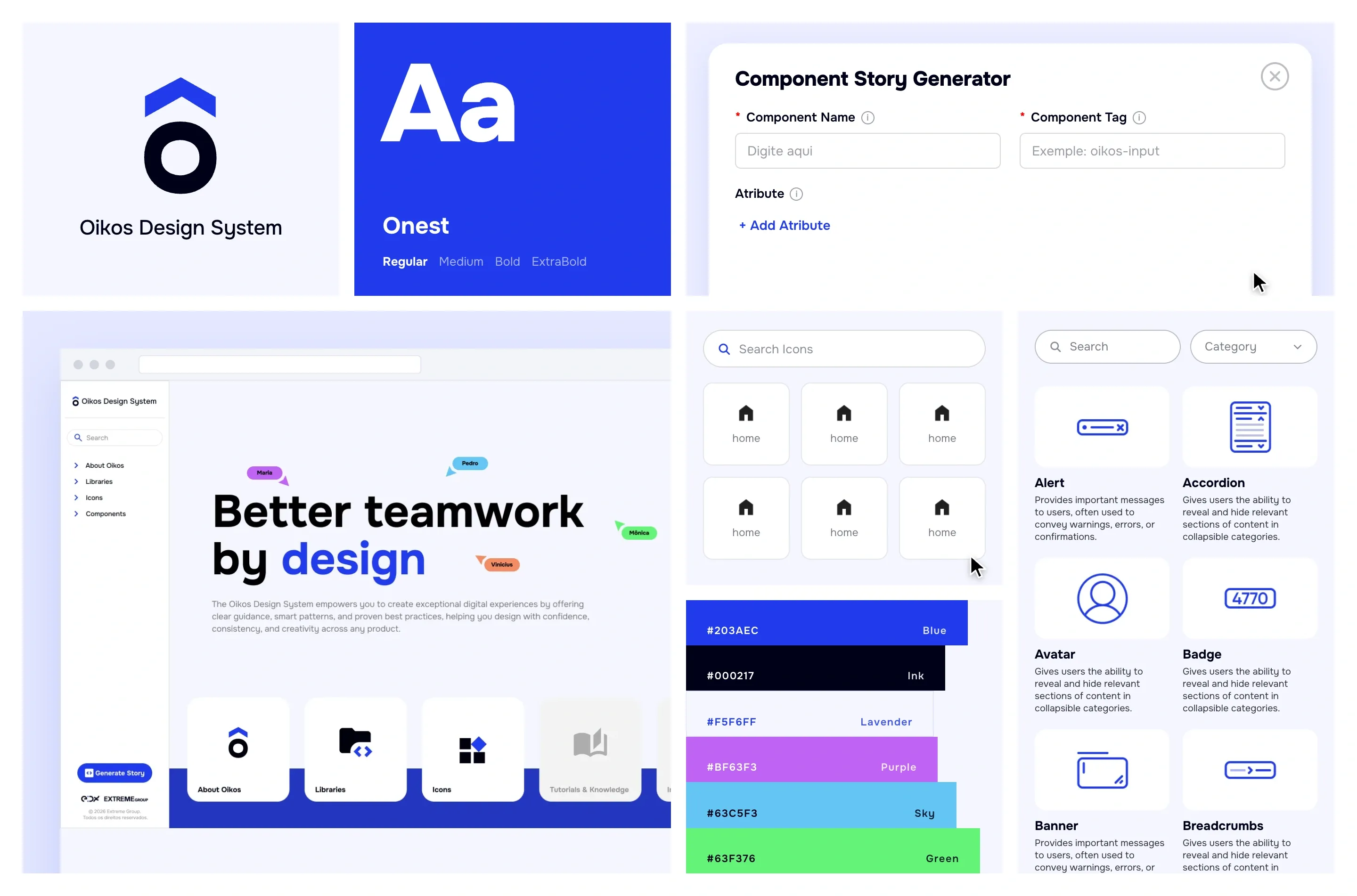
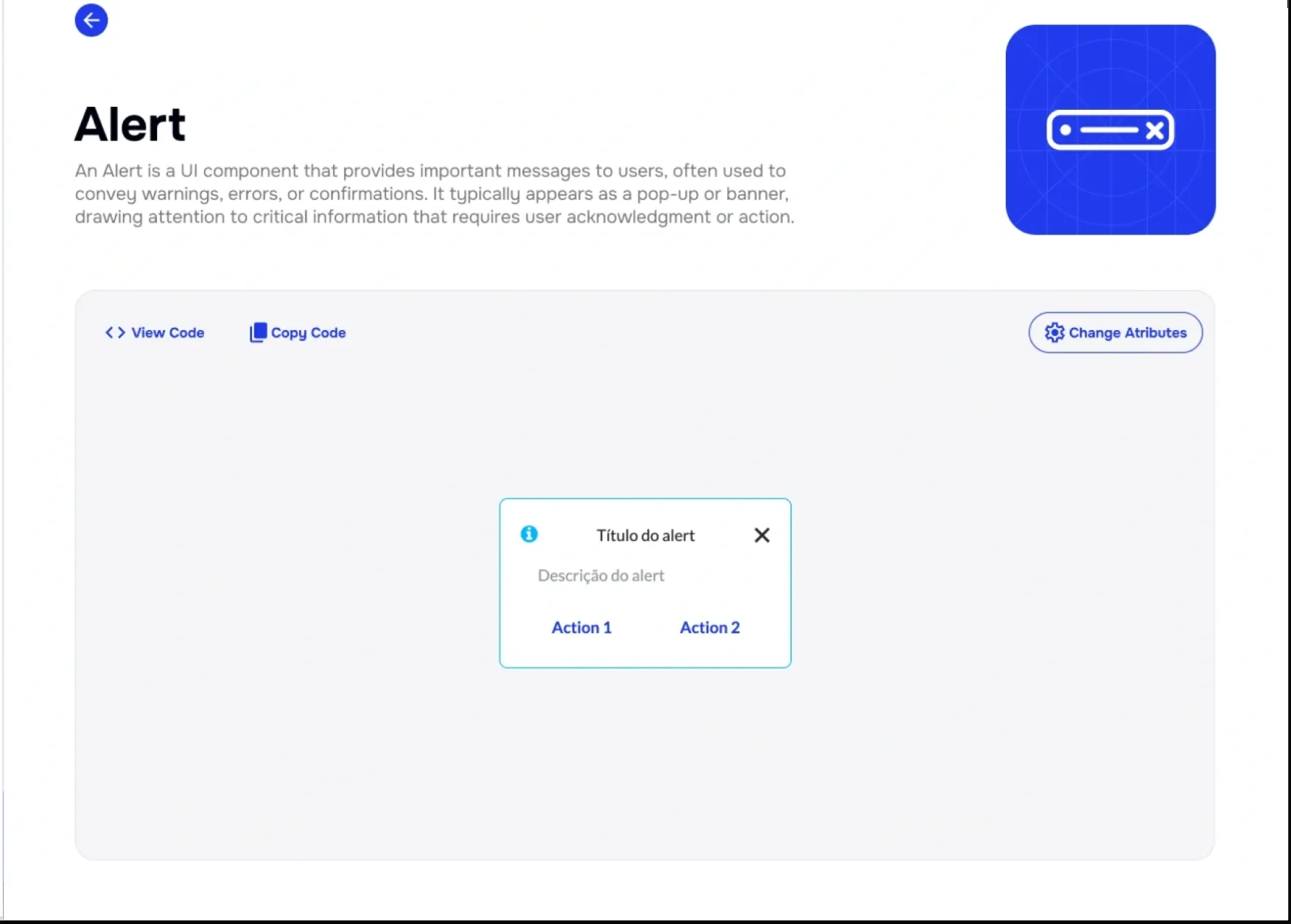
Every component got a page with a live preview, editable attributes and View Code and Copy Code actions.
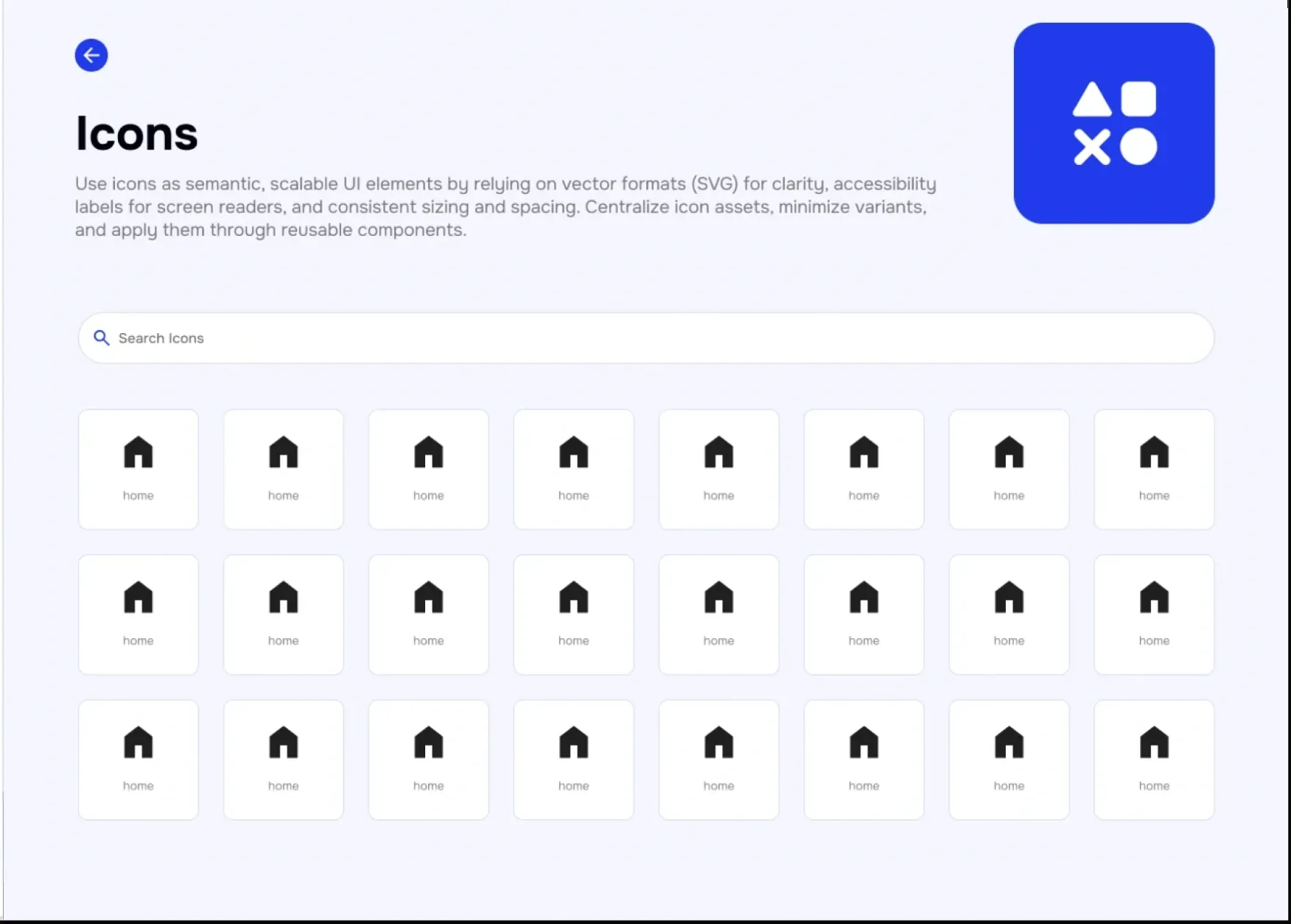
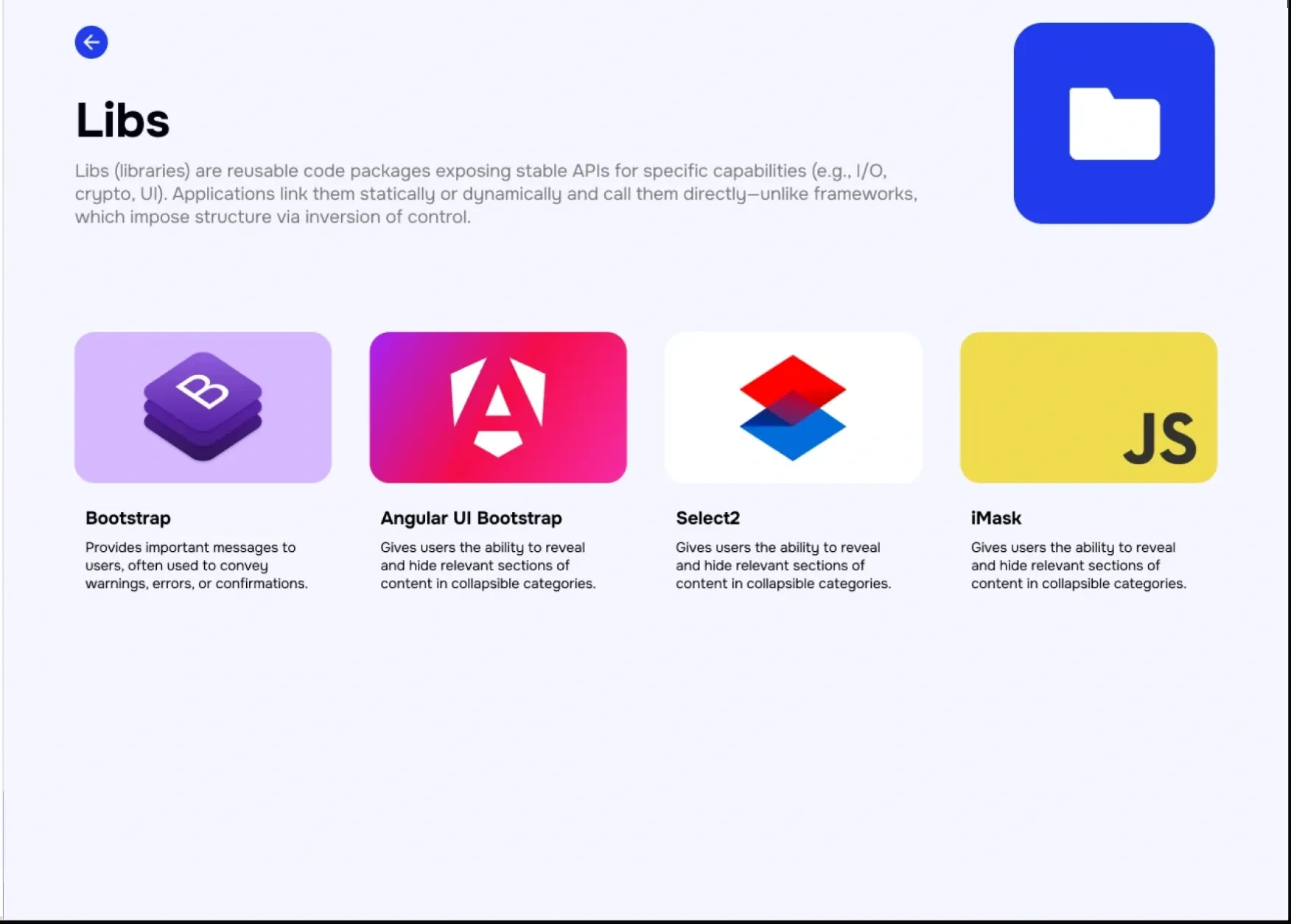
An icon finder with filters, plus pages for Bootstrap, Angular UI Bootstrap, Select2 and iMask.
A Generate Story form where teams enter a component’s name, tag and attributes to create its user story.
The solution
Oikos is a portal with a fixed side menu: about, libraries, icons and components, and a Generate Story button always in reach.
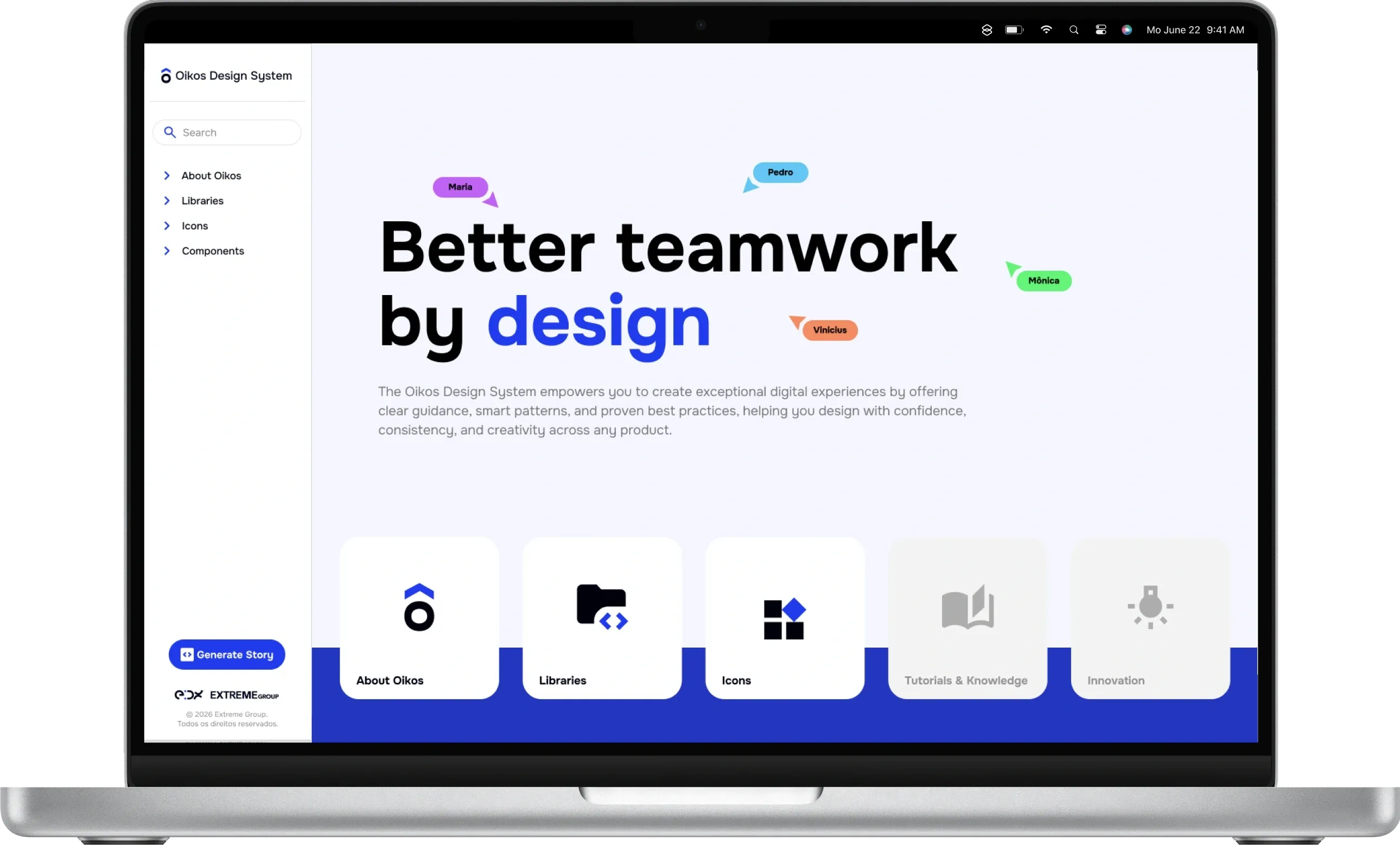
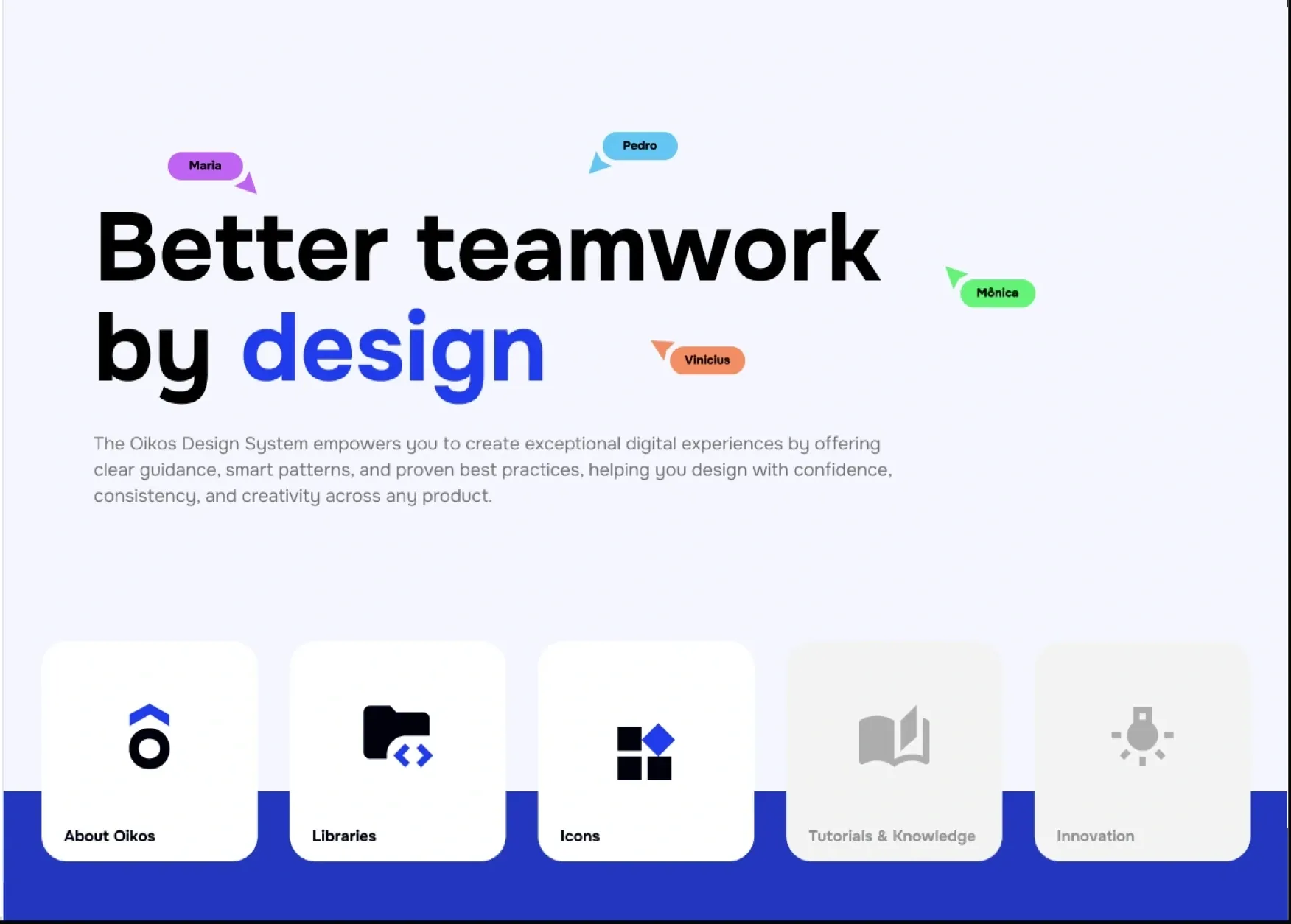
01 / 05Final UI — Oikos home
The outcome
Each component page shows a working preview with attributes to change and its code ready to copy.
Generate Story turns a component’s name, tag and attributes into the user story used in development.
Library pages explain context, how it works, features, integrations and limits of each front-end tool.