Too much scrolling
The ticket screen showed fields nobody used, and the request itself sat at the bottom of the page.

User research with the teams who resolve tickets at SEF-MG, the Minas Gerais Finance Department, turning their feedback on the ServiceNow workspace into a backlog of improvements the dev team then built.
The challenge
SEF-MG teams resolve taxpayer tickets in a ServiceNow workspace every day. Small friction in that screen adds up fast, and the people using it had not been heard.
The ticket screen showed fields nobody used, and the request itself sat at the bottom of the page.
Status, resolution and the save button were far apart, so closing a ticket took extra steps.
SLA and due dates were hard to find, which made it hard to tell which ticket to handle first.
The process
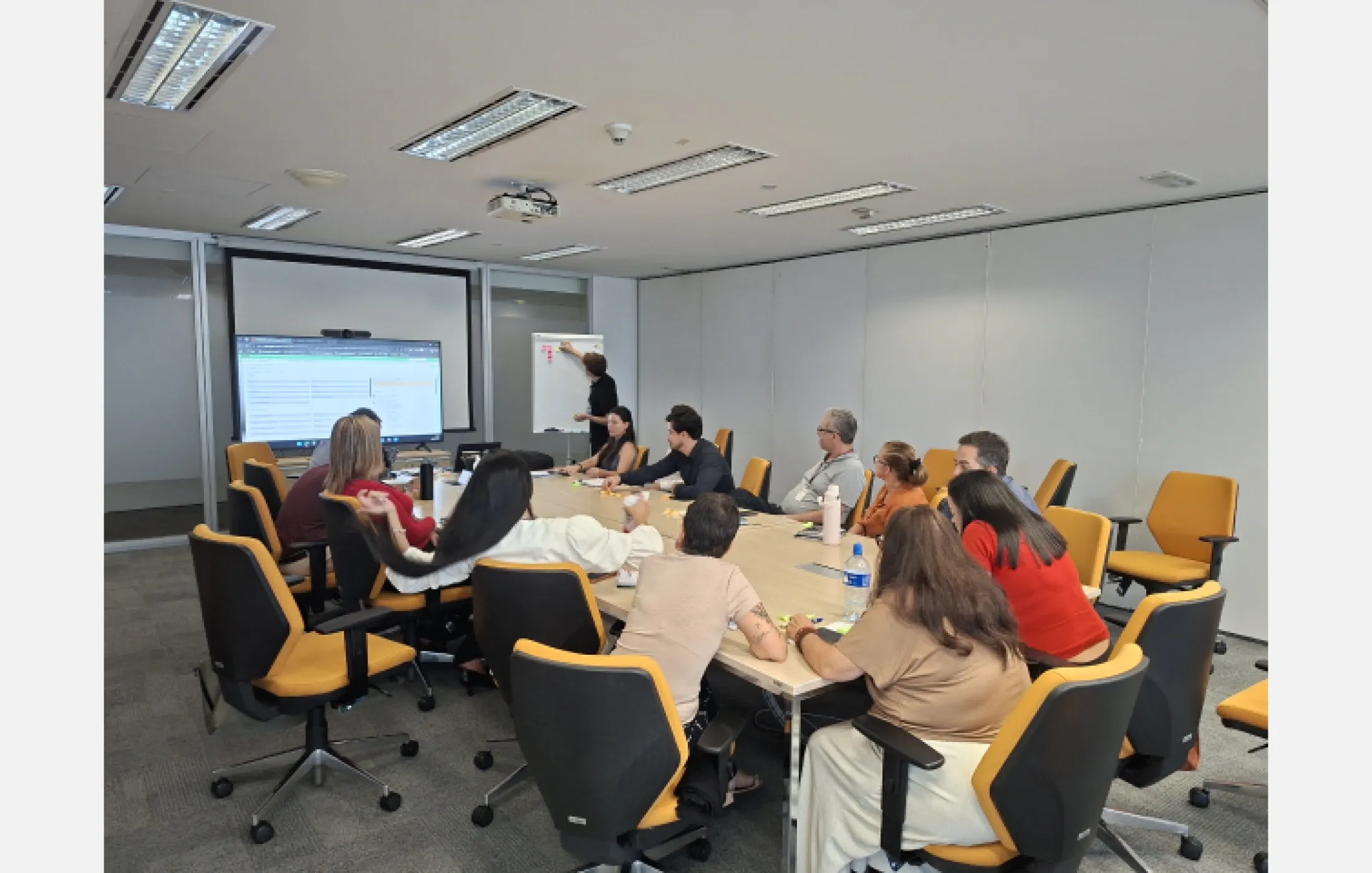
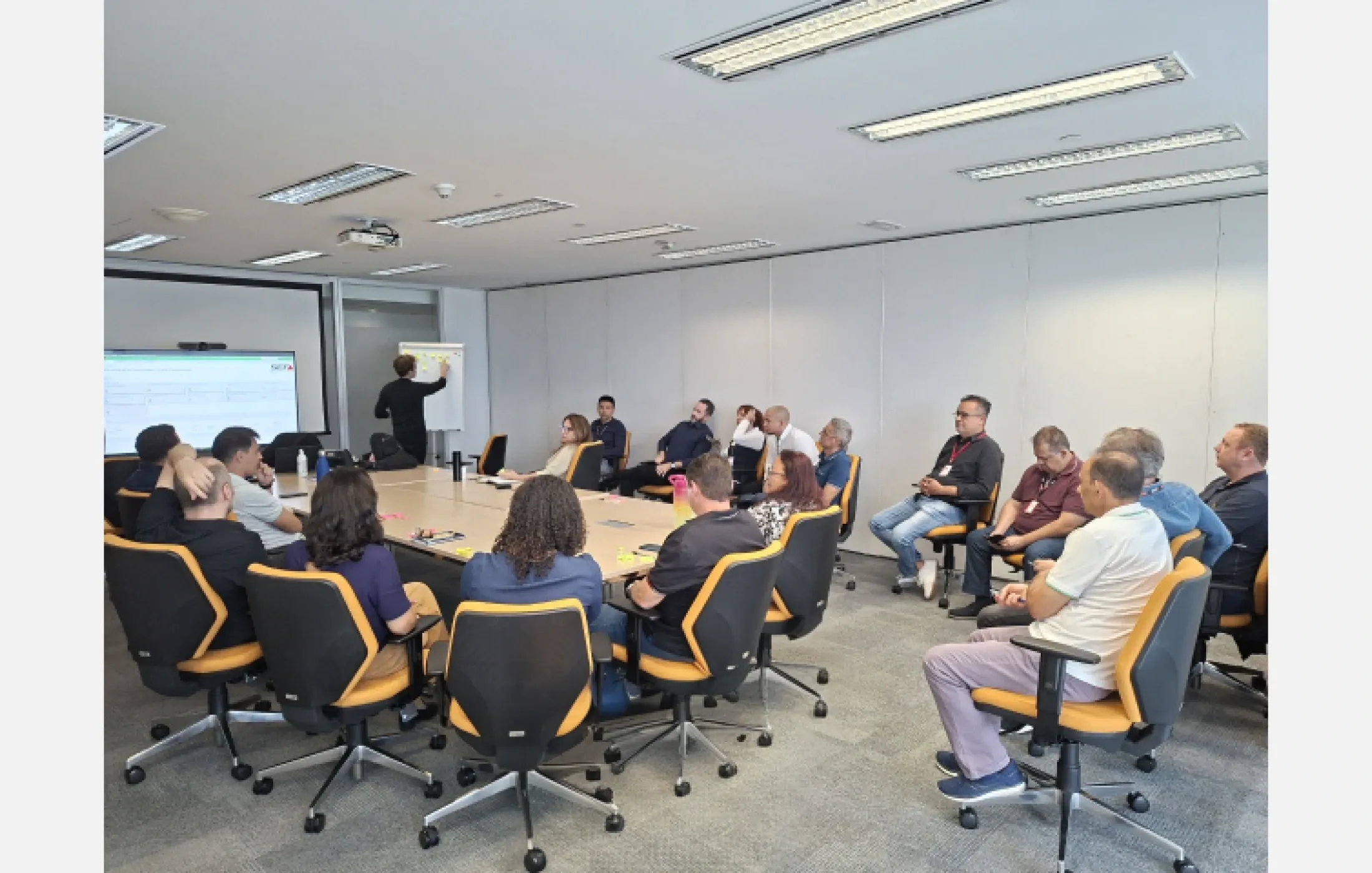
Three sessions with resolvers and coordinators: two in person and one remote, each with its own agenda.
Groups of 11, 15 and 17 people walked through how they handle tickets and where the workspace gets in the way.
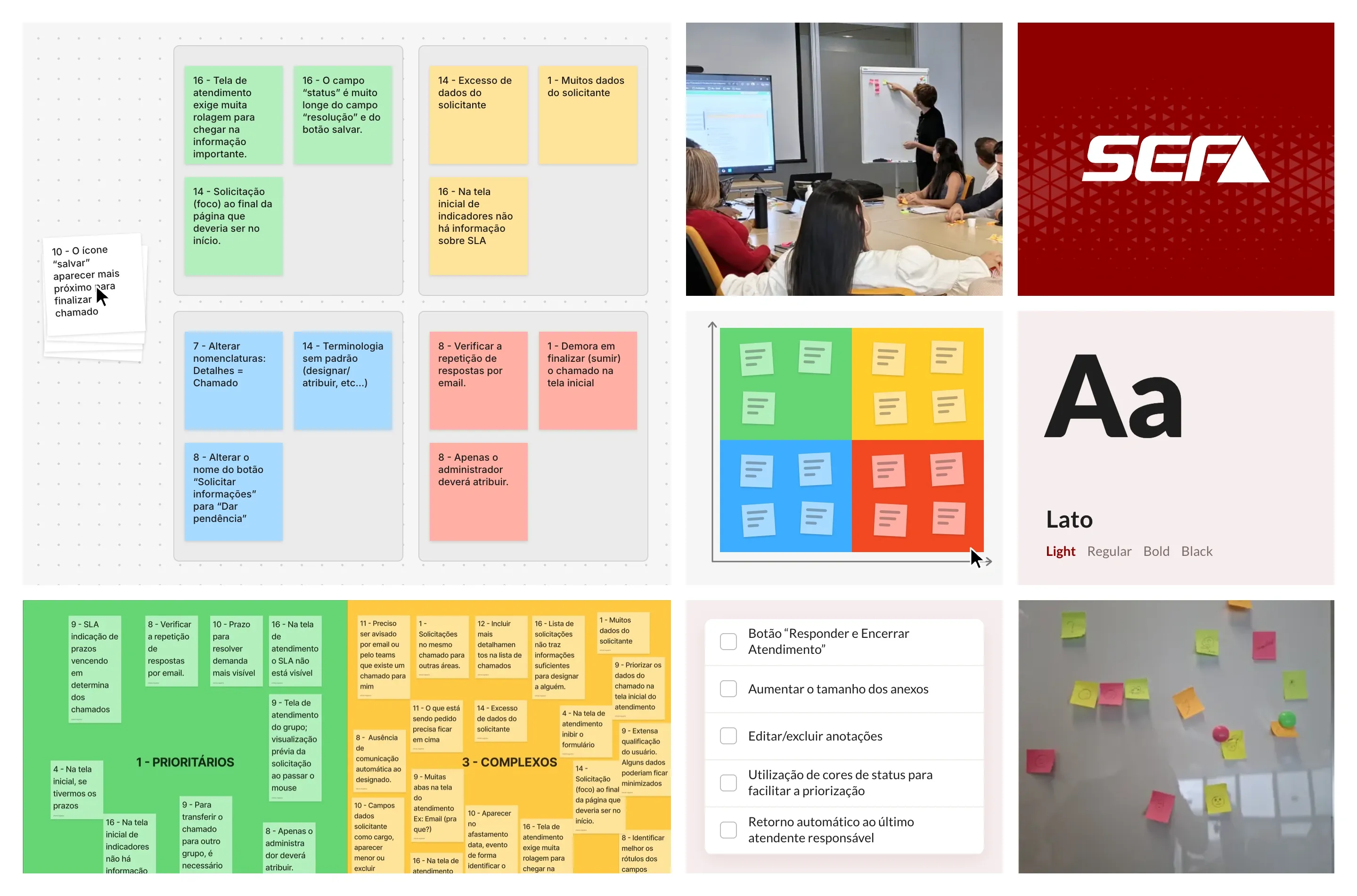
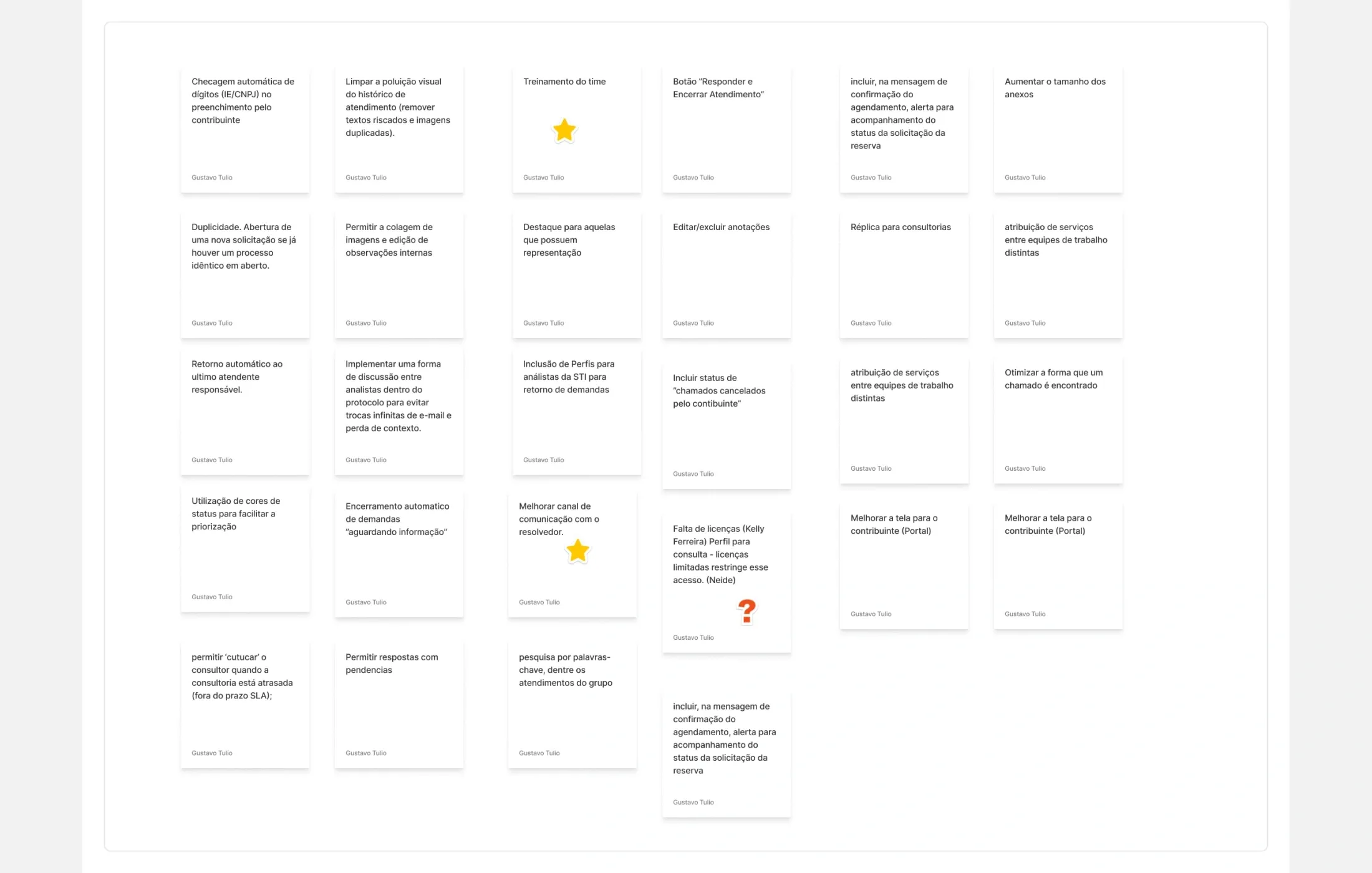
Each report went on a sticky note and was grouped into process, UI, data and naming issues.
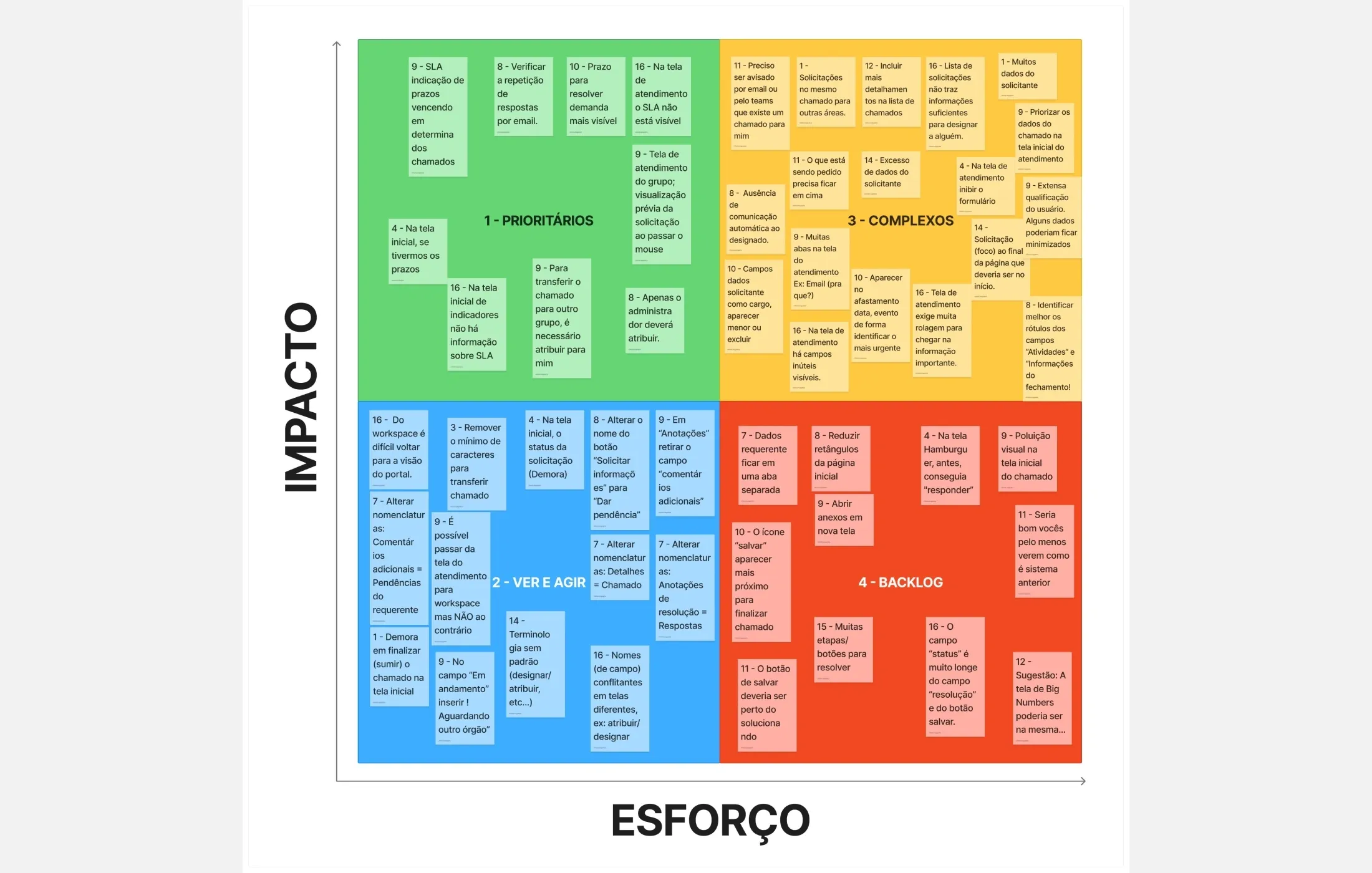
An impact and effort matrix ranked the issues, so the team could see what to fix first.
The solution
The research did not produce screens. It produced a list of improvements, each one tied to what resolvers reported, ready for the dev team to build.
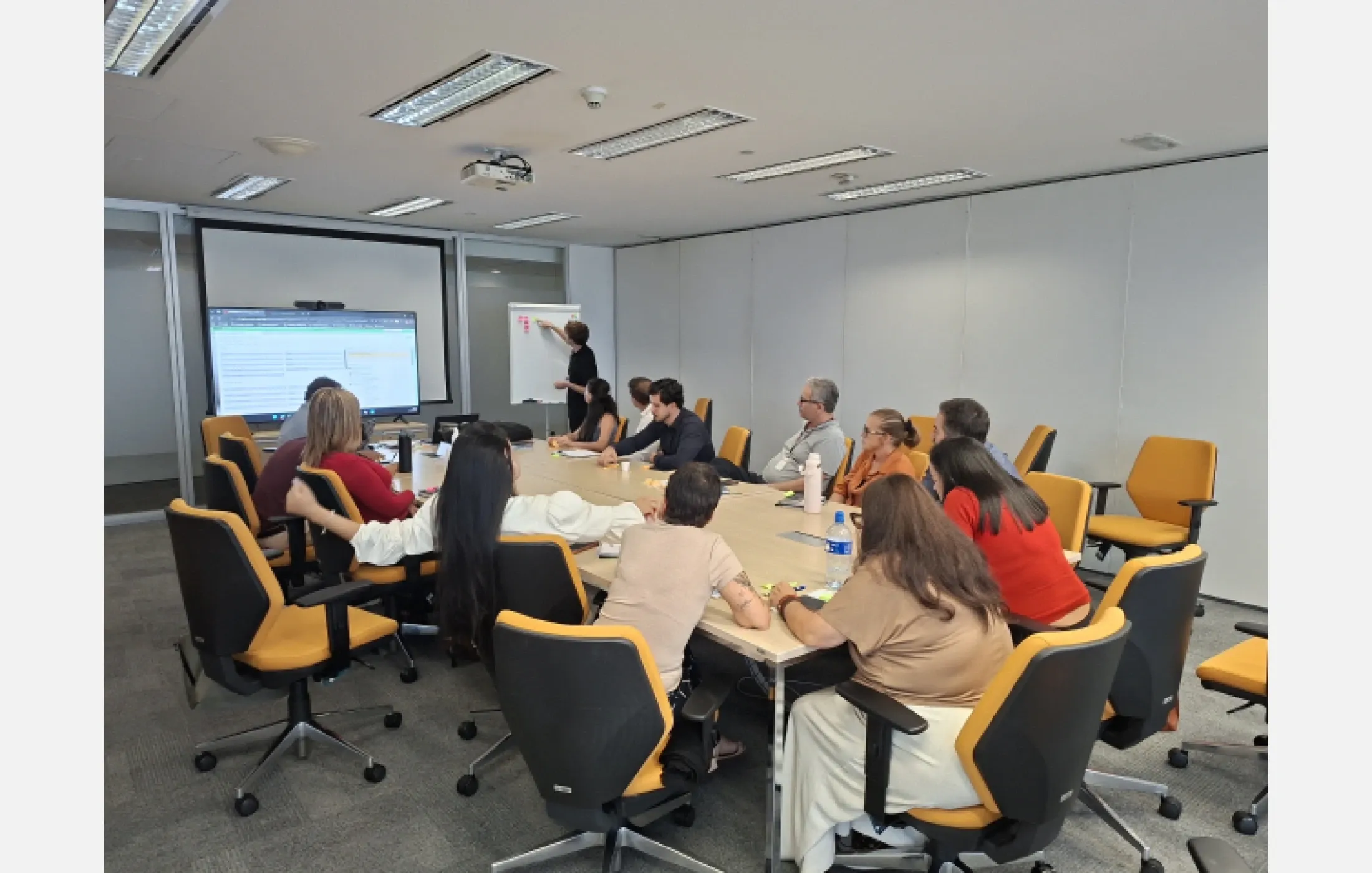

01 / 06Session with resolvers
The outcome
All resolver teams took part, so the list reflects the whole service desk and not one group’s view.
Improvements were ordered by impact and effort, which gave the dev team a clear place to start.
The suggested improvements went into the backlog and the development team implemented them.